

-
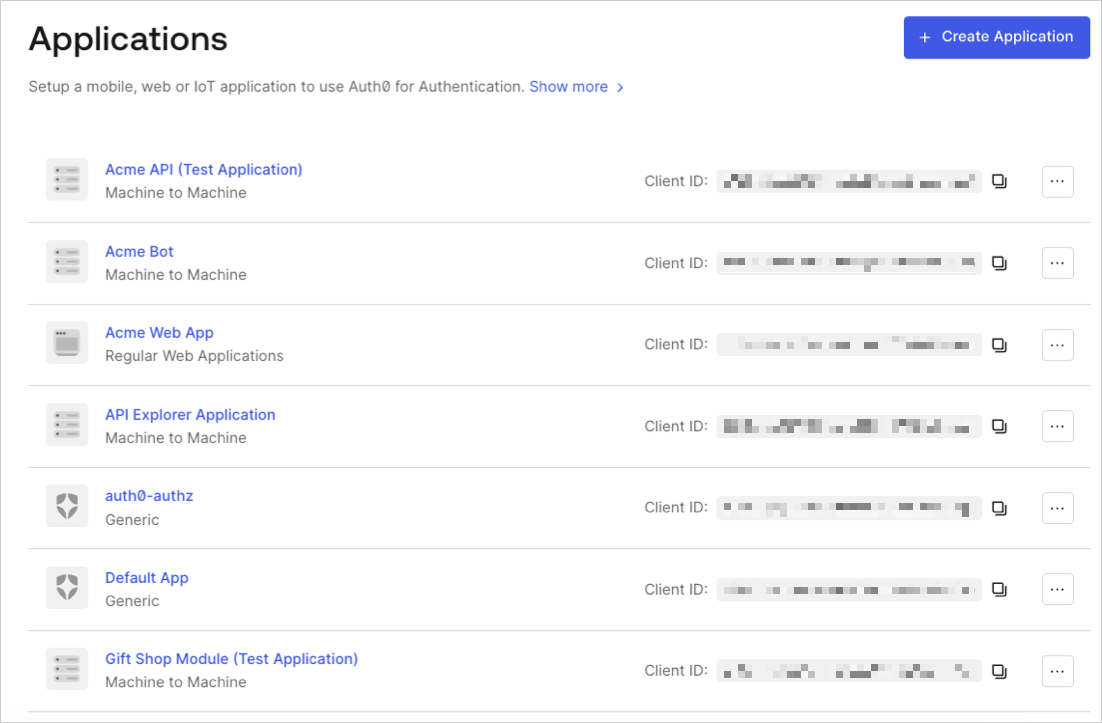
Go to Dashboard > Applications and click the name of the application to view.
- Click the Connections tab, and enable or disable the appropriate connections for the application.
Third-party applications can only authenticate users through connections promoted to the domain level. To learn more, read Promote Connections to Domain Level.